


Customise and grow with your business
Discover seamless app integrations for efficient accounting with acobyte's comprehensive accounting software.
Learn more about app integrations
For accountants and bookkeepers
Keep your practice one step ahead with Acobyte accounting software.
Acobyte for accountants and bookkeepers

Features of VAT Billing and Accounting Software
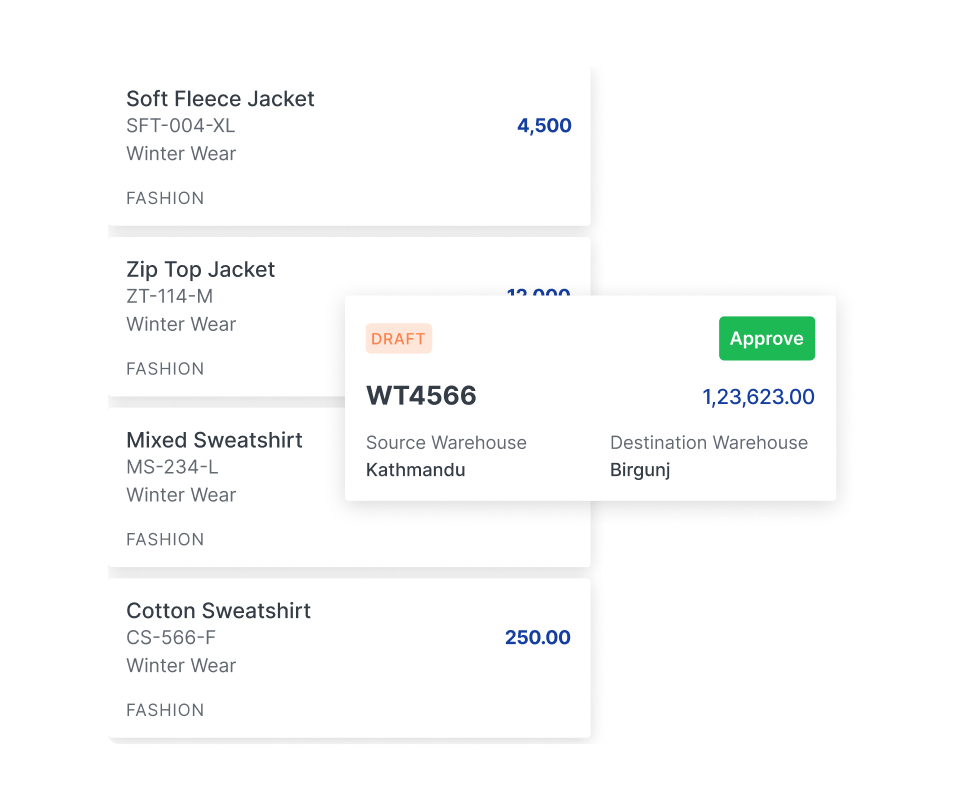
Receivables and Payables
The Receivables section in accounting software like Accobyte helps businesses track outstanding customer invoices and manage cash flow effectively. It records all sales made on credit, ensuring businesses can monitor due payments, send reminders, and generate reports for better financial planning. This section is essential for maintaining a steady cash inflow and reducing the risk of bad debts through timely follow-ups.
The Payables section, on the other hand, helps businesses manage their obligations to suppliers and vendors. It keeps a detailed record of all outstanding bills, due dates, and payment schedules, ensuring timely payments to avoid penalties and maintain good supplier relationships. By streamlining payable management, businesses can optimize cash outflows, negotiate better terms, and enhance overall financial efficiency.
Explore More Watch Video
Track Orders
Track Orders is a system that allows businesses and customers to monitor the status of their shipments or service requests in real time. By providing updates at every stage, from order placement to final delivery, it enhances transparency and improves customer satisfaction. Businesses can optimize logistics, reduce delays, and ensure smooth operations with automated tracking, reducing the need for manual follow-ups.
With features like live tracking, estimated delivery times, and status notifications, Track Orders helps users stay informed and manage expectations effectively. It is widely used in e-commerce, courier services, and supply chain management, offering seamless integration with various platforms for a hassle-free experience.
Explore More Watch Video
Choose Themes
Accobyte provides a feature that lets you customize the user interface by choosing different themes, allowing you to personalize the software experience according to your preferences. Whether you prefer a light or dark mode, the option to switch between themes makes using the platform more comfortable and visually appealing. With different layout styles available, users can select a theme that aligns with their business aesthetic or enhances their user experience for ease of use. This customization improves overall satisfaction and engagement with the software.
The ability to choose themes also helps in creating a cohesive brand identity, as the interface can be tailored to match the colors and design of your business. Whether you're using the platform in an office setting or on the go, you can adjust the theme to suit the lighting or your device. This feature enhances user experience by making the software more adaptable and enjoyable to work with. Whether for better readability or simply for aesthetic preference, choosing a theme adds a personal touch to the Accobyte software environment.
Explore More Watch Video
Record Expenses
Managing business expenses becomes much easier with Accobyte’s expense recording feature. This tool allows businesses to log all expenses, from office supplies to employee reimbursements, in an organized and efficient manner. You can categorize each expense to get a clear view of where your business’s money is being spent. The system allows for easy input of expense details, such as amounts, dates, and payment methods, helping you stay on top of daily financial activities.
Accobyte also generates comprehensive reports on your expenses, helping you identify trends and areas where you can optimize your spending. These insights can assist in cost-cutting and budgeting, ultimately improving profitability. Additionally, the platform provides tools for managing recurring expenses, ensuring that they are automatically tracked and updated without manual intervention. The expense tracking system enhances financial discipline by providing transparency, reducing the risk of overspending, and helping you stay compliant with accounting regulations.
Explore More Watch Video
Receivables and Payables
Accobyte’s Receivables and Payables feature helps businesses stay on top of outstanding payments, both incoming and outgoing. You can track and manage all customer invoices and supplier bills from one dashboard, ensuring a smooth cash flow. This feature makes it easy to monitor overdue payments, plan for upcoming dues, and generate reminders automatically. Whether it’s sending payment reminders to clients or ensuring timely vendor payments, this tool helps reduce delays and errors, making your financial operations more efficient.
With Accobyte, you can quickly categorize and track all receivables and payables, creating customized reports for better financial visibility. This functionality is crucial for maintaining healthy business relationships with customers and suppliers, ensuring you meet deadlines and maintain trust. The system also integrates with your financial records, automatically updating balances once payments are made or received. Accobyte’s Receivables and Payables tool contributes to improved liquidity and ensures that no payment is overlooked or delayed, providing full control over your accounts.
Explore More Watch Video
Delivery Challan
The Delivery Challan feature in Accobyte simplifies the creation and management of delivery notes for your business. It allows you to generate and track challans for products or goods that are shipped or delivered to clients. You can record all essential details like quantity, delivery address, and dispatch date, ensuring smooth and accurate tracking of deliveries. This feature reduces the risk of errors by providing a consistent format for all delivery notes and ensures your logistics team is aligned with the orders and shipments.
Furthermore, Accobyte’s Delivery Challan feature offers an organized view of all your deliveries, allowing you to track the status of each one with ease. The generated documents are easy to share with clients or vendors, offering full transparency. You can quickly retrieve previous records for future reference or audits, helping streamline the communication and administrative process. This improves operational efficiency and reduces the need for manual documentation or double-checking orders.
Explore More Watch Video
Bank Accounts
Accobyte offers an efficient way to manage multiple bank accounts, providing seamless integration with your business’s financial system. You can track all transactions, view balances, and monitor payments made or received across different accounts in real-time. This feature simplifies the process of reconciling your accounts by offering accurate, up-to-date records. It ensures you maintain control over your financial activities with ease, allowing for better financial planning and reduced errors. Whether for personal or business use, managing your bank accounts is streamlined within one platform.
With Accobyte, you can link all your business bank accounts and track them effortlessly. This integration allows you to monitor bank fees, deposits, and withdrawals in one place, making financial oversight much easier. Detailed reports provide a clear view of all your bank activities, helping with decision-making and reducing the time spent on manual bookkeeping. It enhances transparency, making it simpler for your team to manage accounts and making it easier for auditors and financial analysts to review records.
Explore More Watch VideoGet 100% FREE Accounting Software
Take Control of Your Billing, Inventory, Taxes and Complete Business Accounting!
Start FREE
Powerful accounting software backed with remote bookkeeping service.
Get Your FREE Account- Create invoices & receive payments
- Track business expenses
- Manage inventory
- Prepare tax reports
- Get access to 45+ financial reports
- Outsource accounting to experts
Client Portal
Give your clients the ease of client portal. Share the transactions and invoices with your clients and accept bulk payments.
Get Start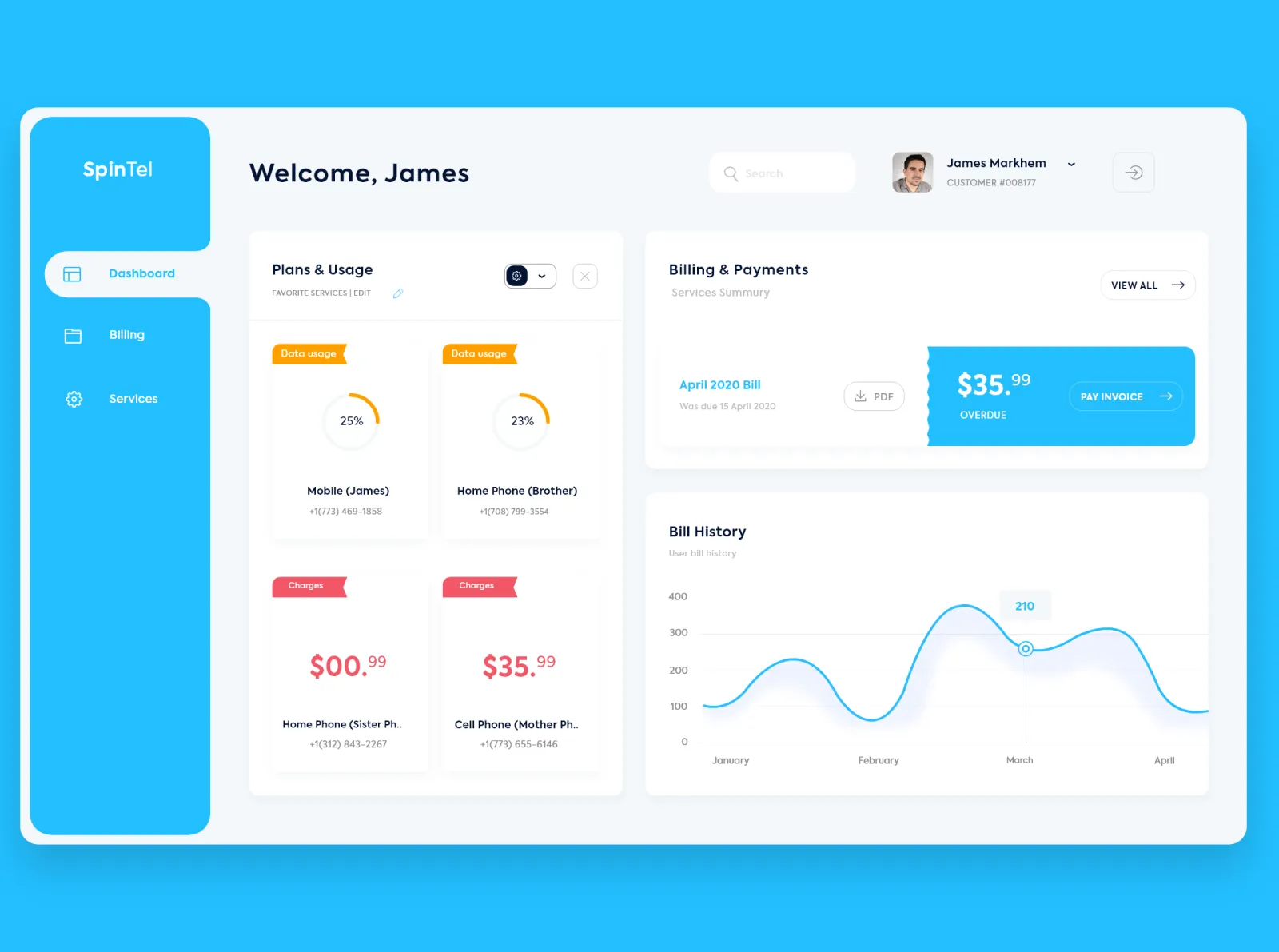
See how we works for your business
Manage your finances, control cash flow and integrate with apps. See how acobyte can help your business type or industry. See all business types.

Self Employed
Manage your finances and send invoices easily with accounting software for sole traders and freelancers.

Construction and trades
Send quotes and invoices, track expenses, and manage jobs from your phone with acobyte’s construction accounting software.

Retail
View cash flow on the go and reduce manual admin. Run your retail business efficiently with acobyte accounting software.
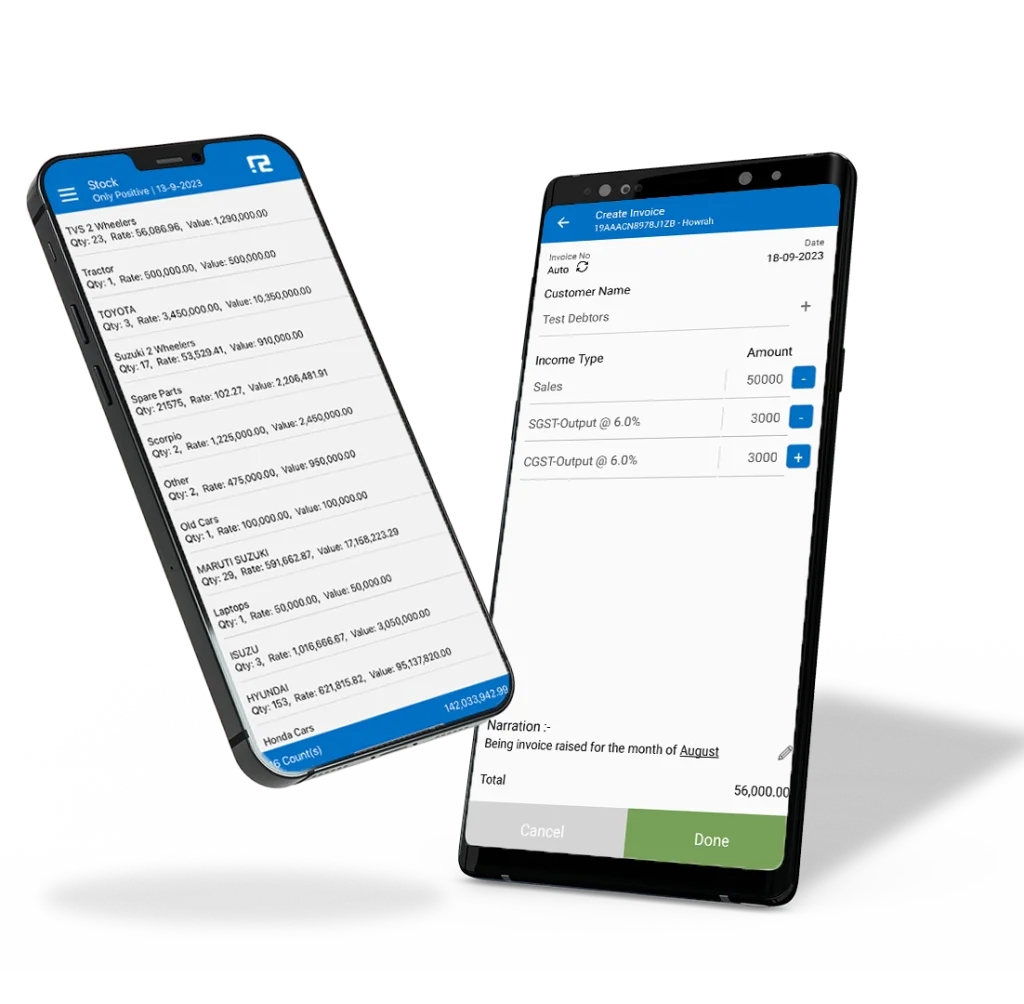
Mobile Application
Stay informed on the go with our Mobile App, keeping you updated on receivables, payables, and cash flow. Conduct transactions conveniently anytime, anywhere, ensuring you have financial insights and control at your fingertips.


Mobile Application
Stay informed on the go with our Mobile App, keeping you updated on receivables, payables, and cash flow. Conduct transactions conveniently anytime, anywhere, ensuring you have financial insights and control at your fingertips.